
Manual budgeting. Redesigned.
Take control of your money with a private budget planner built for iPhone and iPad.
Unlock SiBalance Full once. No subscription.

No bank connection · No account required · No ads · No tracking · No subscription
Free to get startedOne complete budget
SiBalance FullOne lifetime purchase
No bank connectionYou stay in control
Private by designNo ads or tracking
Features
Plan clearly. Spend calmly. In private.
SiBalance gives you a simple, intentional way to understand your money without connecting your bank accounts.
Start with one complete budget for free, including the essentials you need for everyday budgeting. If you want more, SiBalance Full unlocks the complete feature set with a single lifetime purchase.
No subscriptions. No advertising. No tracking.
Explore budget planningBuilt for people who want control, not bank connections.
SiBalance helps you understand what is safe to spend or save without losing sight of upcoming bills, recurring expenses or future plans.
Instead of relying on bank integrations or complicated budgeting methods, SiBalance gives you a clear picture of your finances through intentional manual budgeting. Stay in control, make informed decisions and spend with confidence based on your real financial situation.
Whether you’re moving on from spreadsheets, replacing paper budgets or simply looking for a more thoughtful way to manage your money, SiBalance brings manual budgeting into the modern age by choice, not compromise.
Apple Pay + Shortcuts
Manual budgeting without having to type everything manually.
Use Apple Shortcuts to create a personal automation that sends eligible Apple Pay purchases straight to SiBalance. The amount, merchant and date can be passed in automatically.
Choose your budget and category when setting up the automation, or have Shortcuts ask you when needed. Automatically recorded purchases count as everyday spending against Safe to Spend, so avoid tracking the same purchase as a planned expense.
Apple Pay additions via Shortcuts are included with SiBalance Full. No bank connection required.
Set up Apple Pay with Shortcuts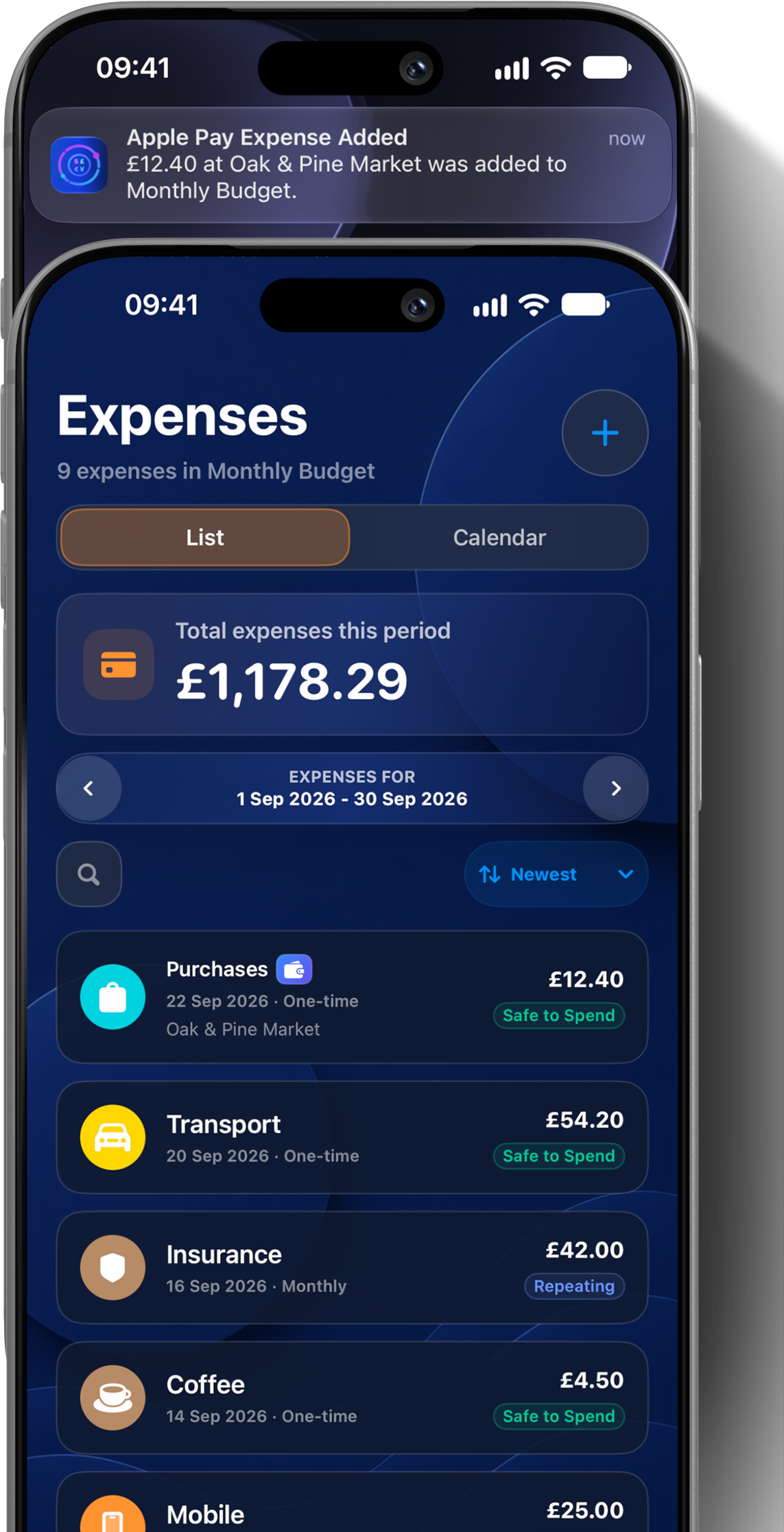
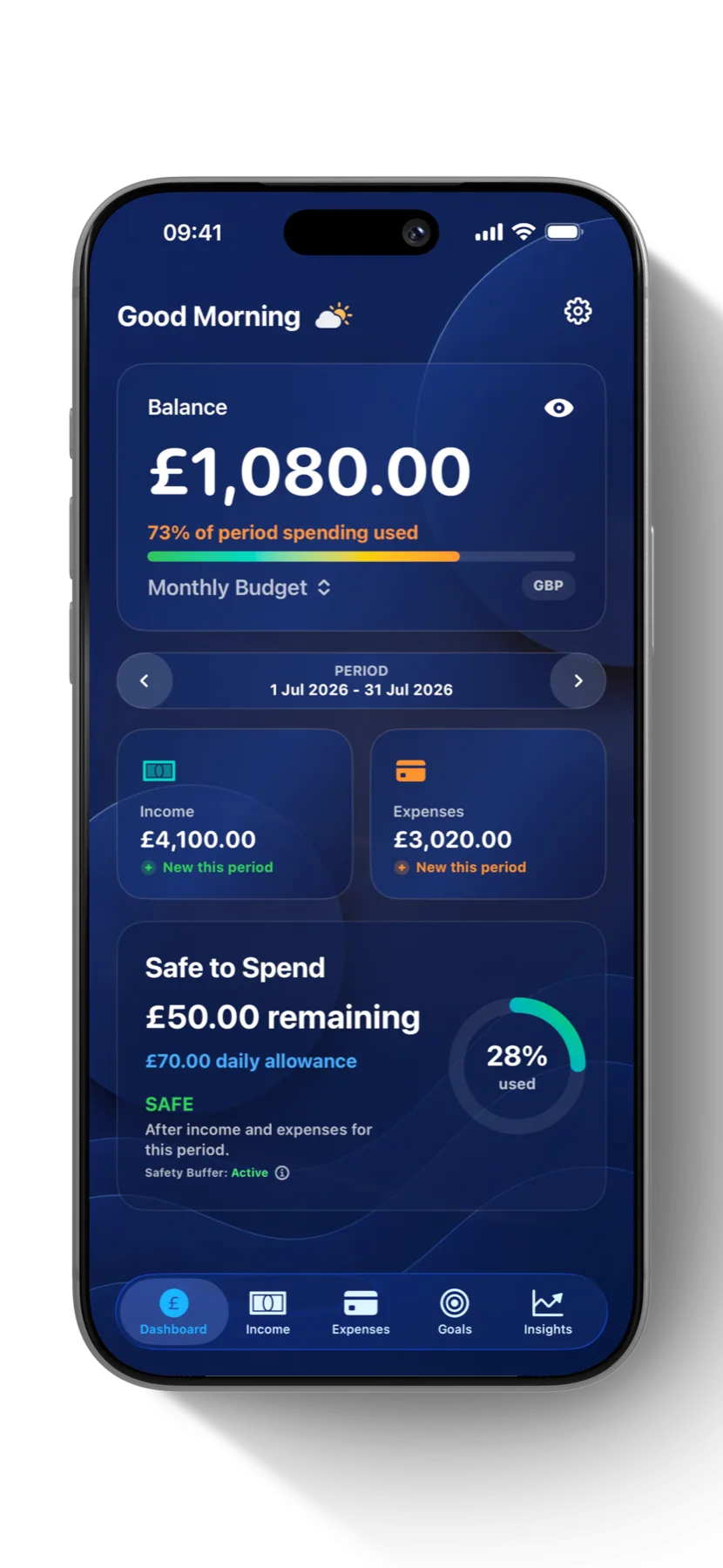
Safe to Spend
Know what is safe to spend.
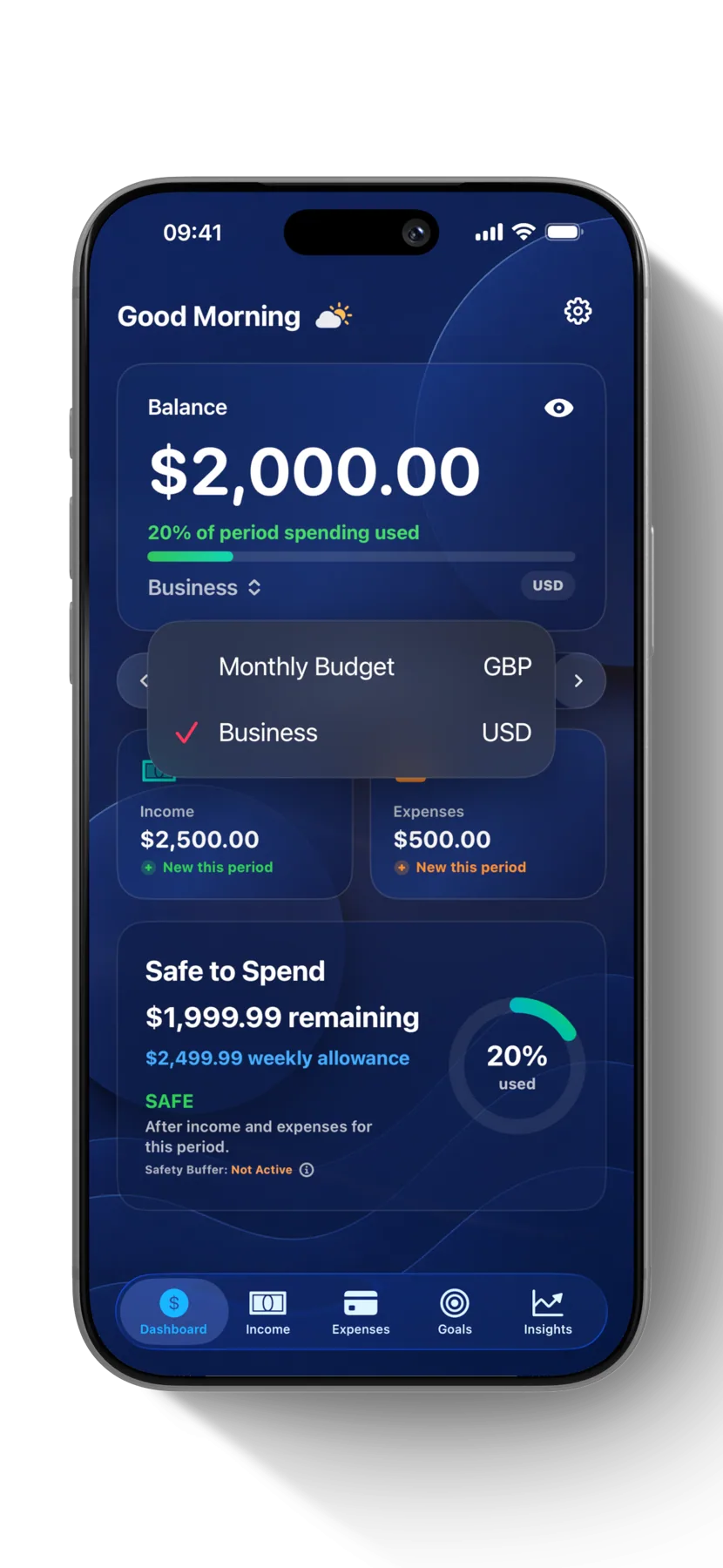
See what remains after income, committed expenses and your safety buffer. Everyday tracking and Safe to Spend support 159 currencies.
How Safe to Spend works- Clear allowance at a glance
- Unlimited budgets with SiBalance Full
- 159 supported currencies
Income & expense tracking
Track spending and stay involved.
Track income, expenses and everyday spending deliberately, switch between list and adaptive calendar views, search your complete transaction history and schedule recurring expenses without connecting a bank account. SiBalance Full can also create reviewable drafts from screenshots and CSV files.
- Income, expenses and spending categories
- Calendar views aligned to each budget period
- Recurring expenses and custom schedules
- Complete transaction history and search
Goals & forecasting
Turn plans into visible progress.
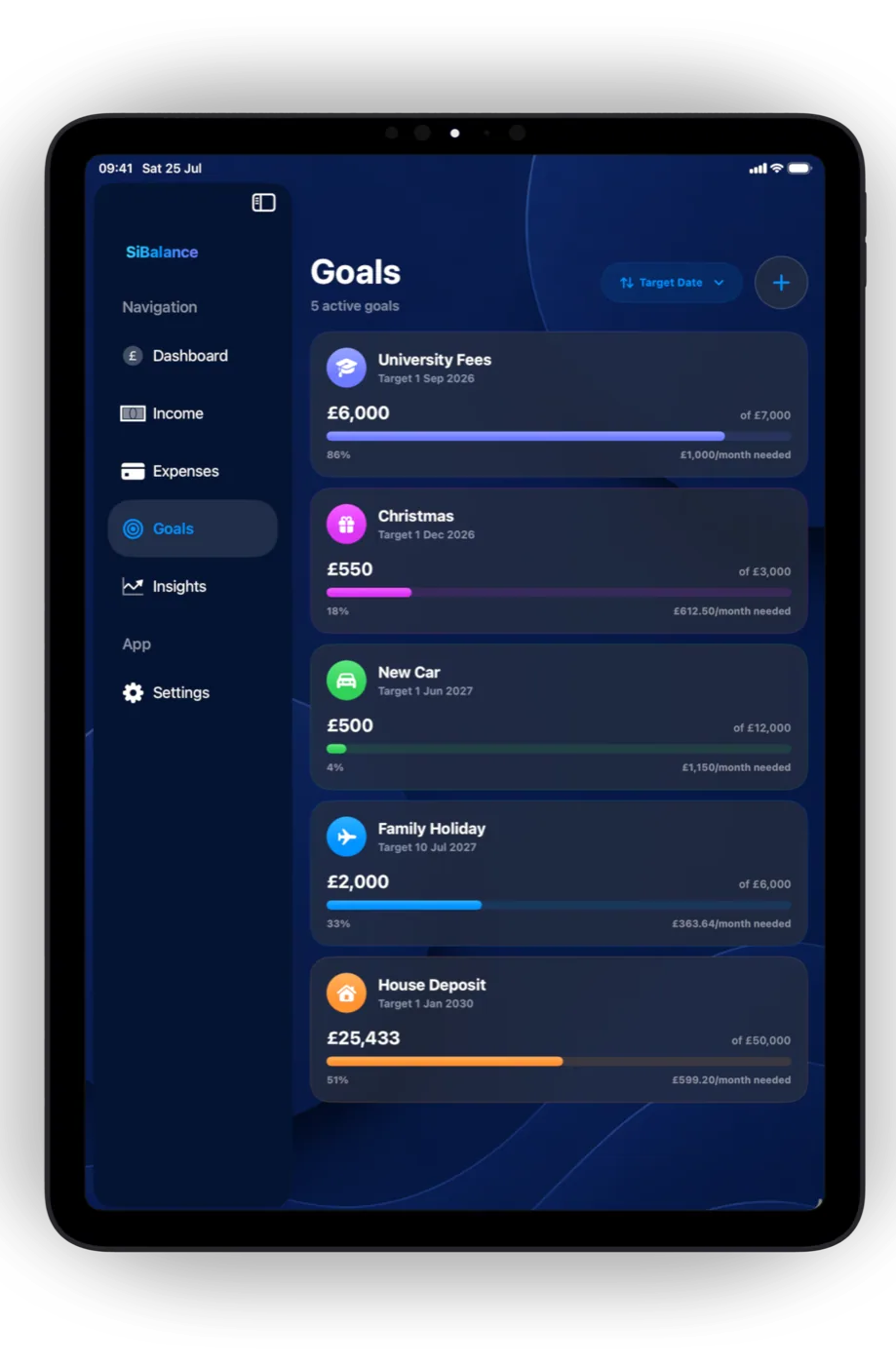
SiBalance Full lets you create Goals for the things that matter, add or withdraw money, schedule repeating contributions and see what is needed each month.
- Separate Goals for each budget
- Flexible repeating contributions
- Progress and activity history
Insights & trends
See what changed and what comes next.
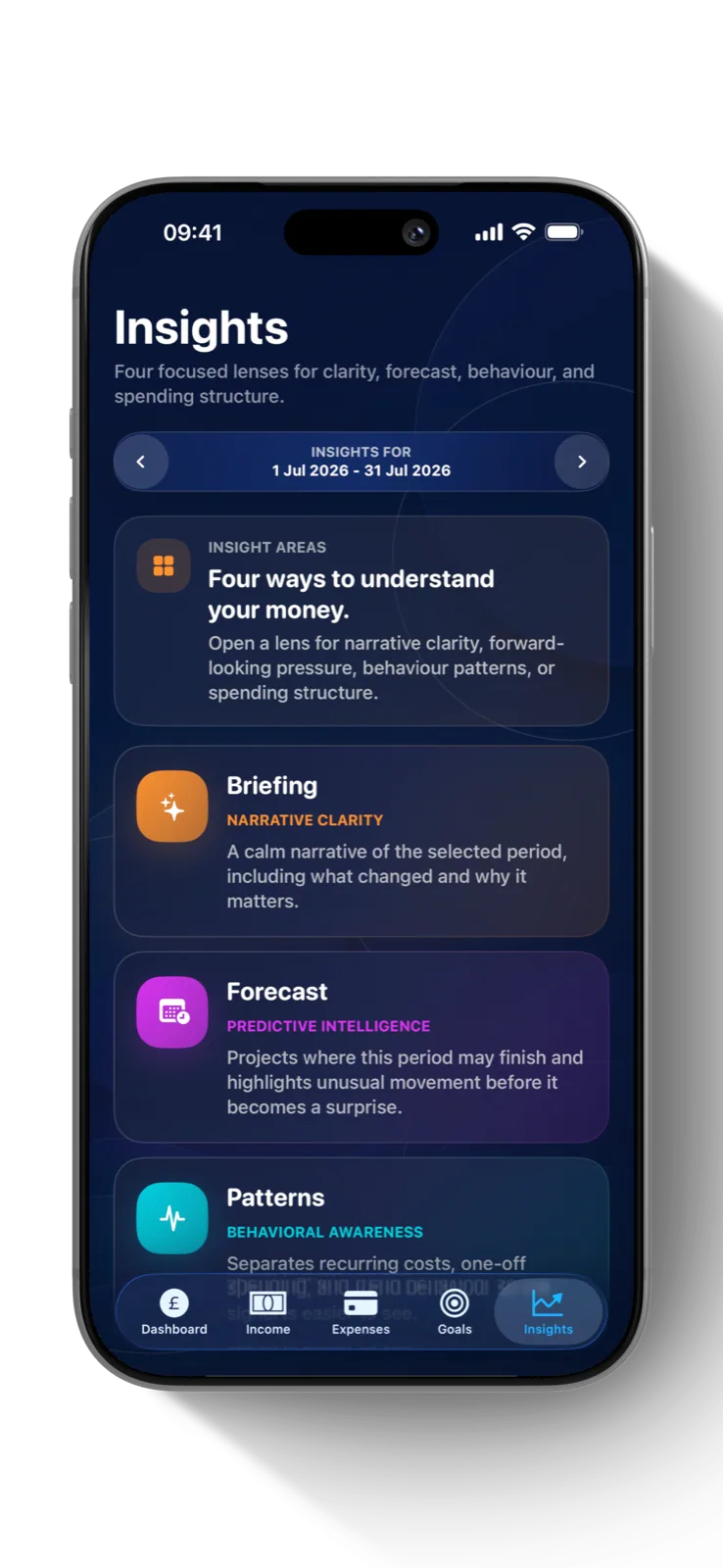
Forecasts and focused Insights in SiBalance Full turn your manual entries into a clearer view of spending patterns, pressure points and where the period may finish.
- Private on-device insights
- Forward-looking forecasts
- Calm period briefings
Widgets & Siri
Your budget, ready when you need it.
With SiBalance Full, use Siri and App Intents, or check balances and Safe to Spend from Home Screen and Lock Screen widgets.
- Home Screen widgets
- Lock Screen glanceability
- Siri support

iPhone & iPad
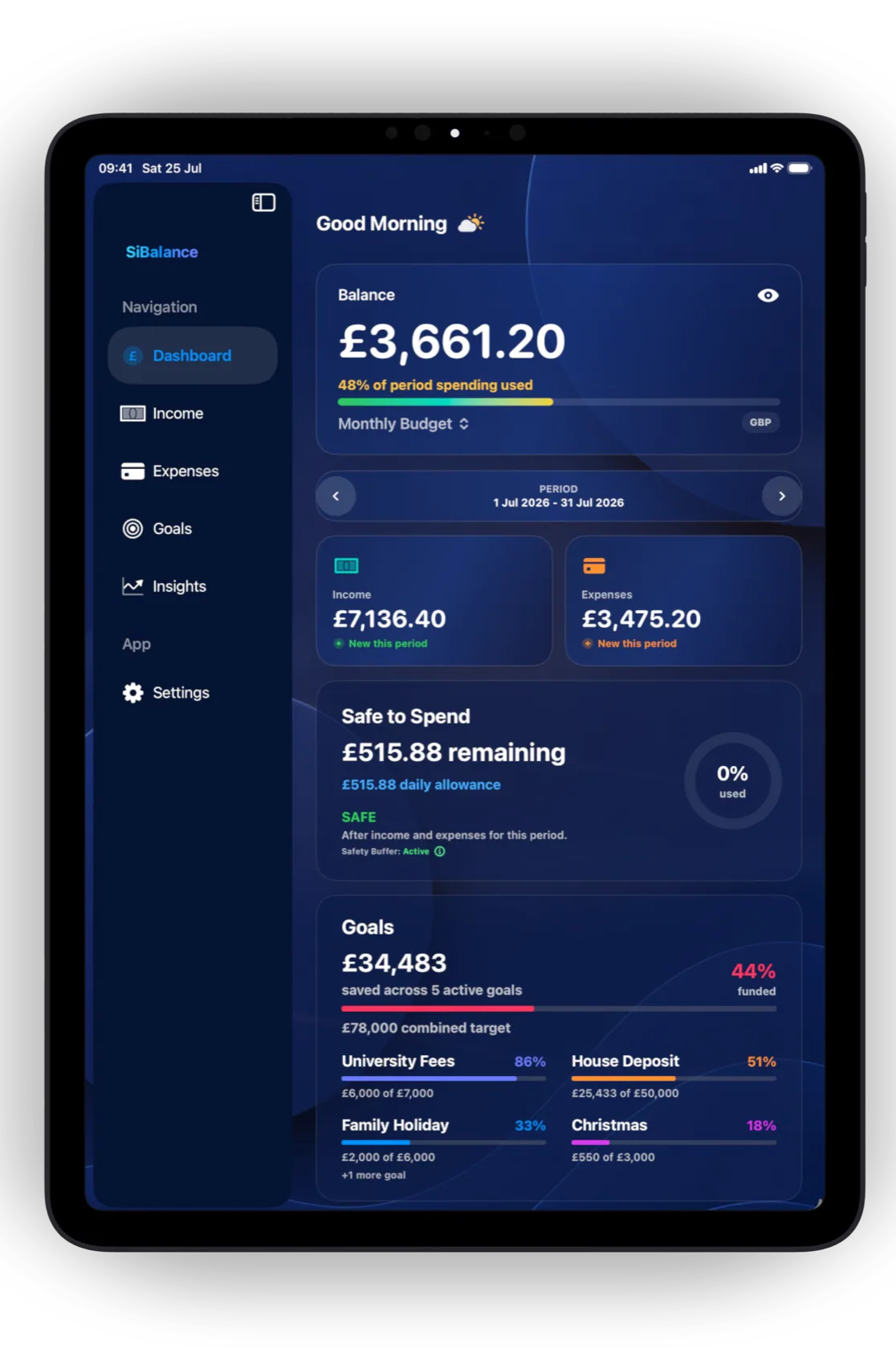
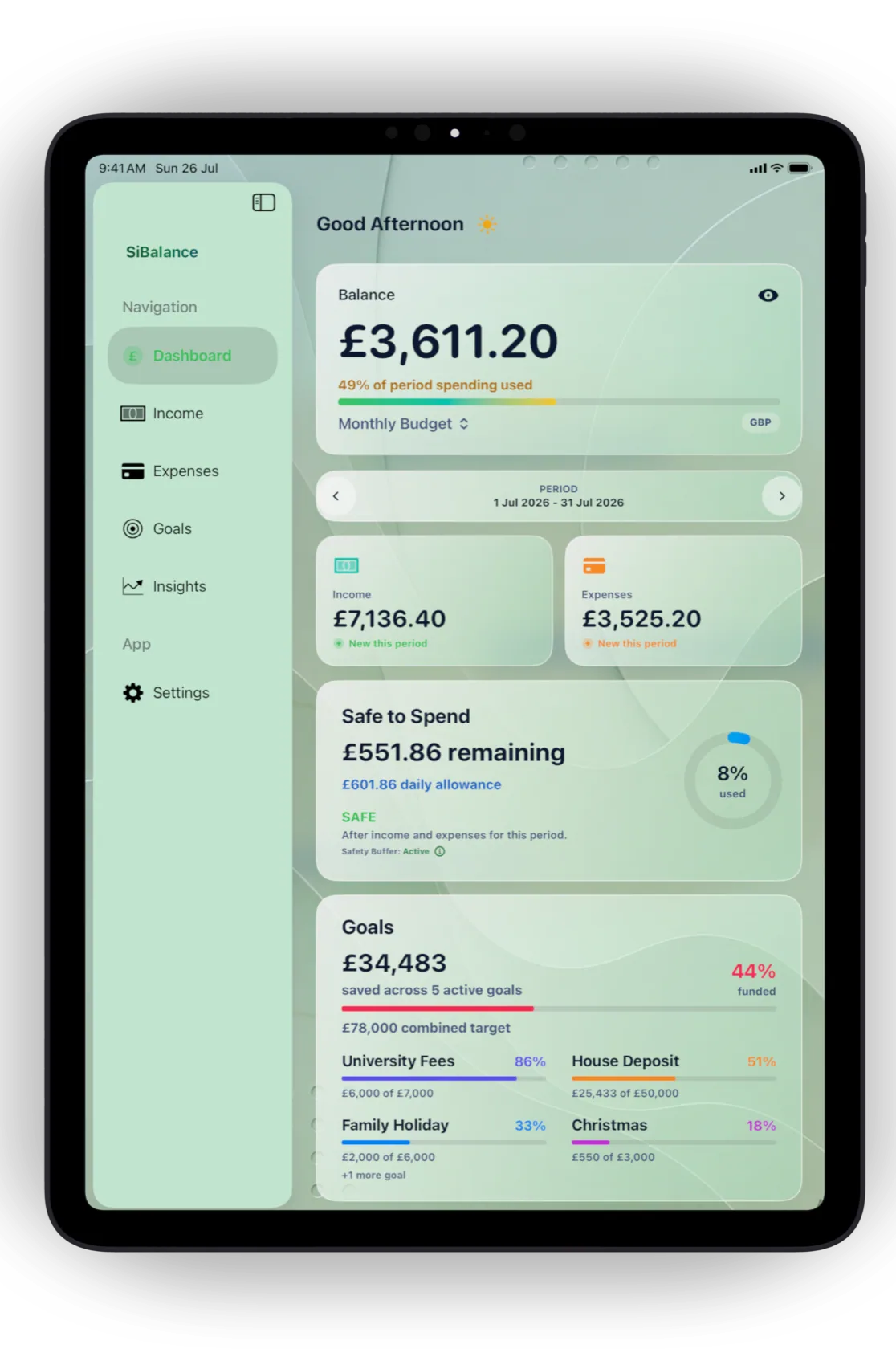
Familiar on iPhone. Expanded on iPad.
The compact iPhone experience stays focused and portrait-first, while iPad adds sidebar navigation, larger adaptive cards and support for portrait and landscape.
Private by design
Your data, your choice.
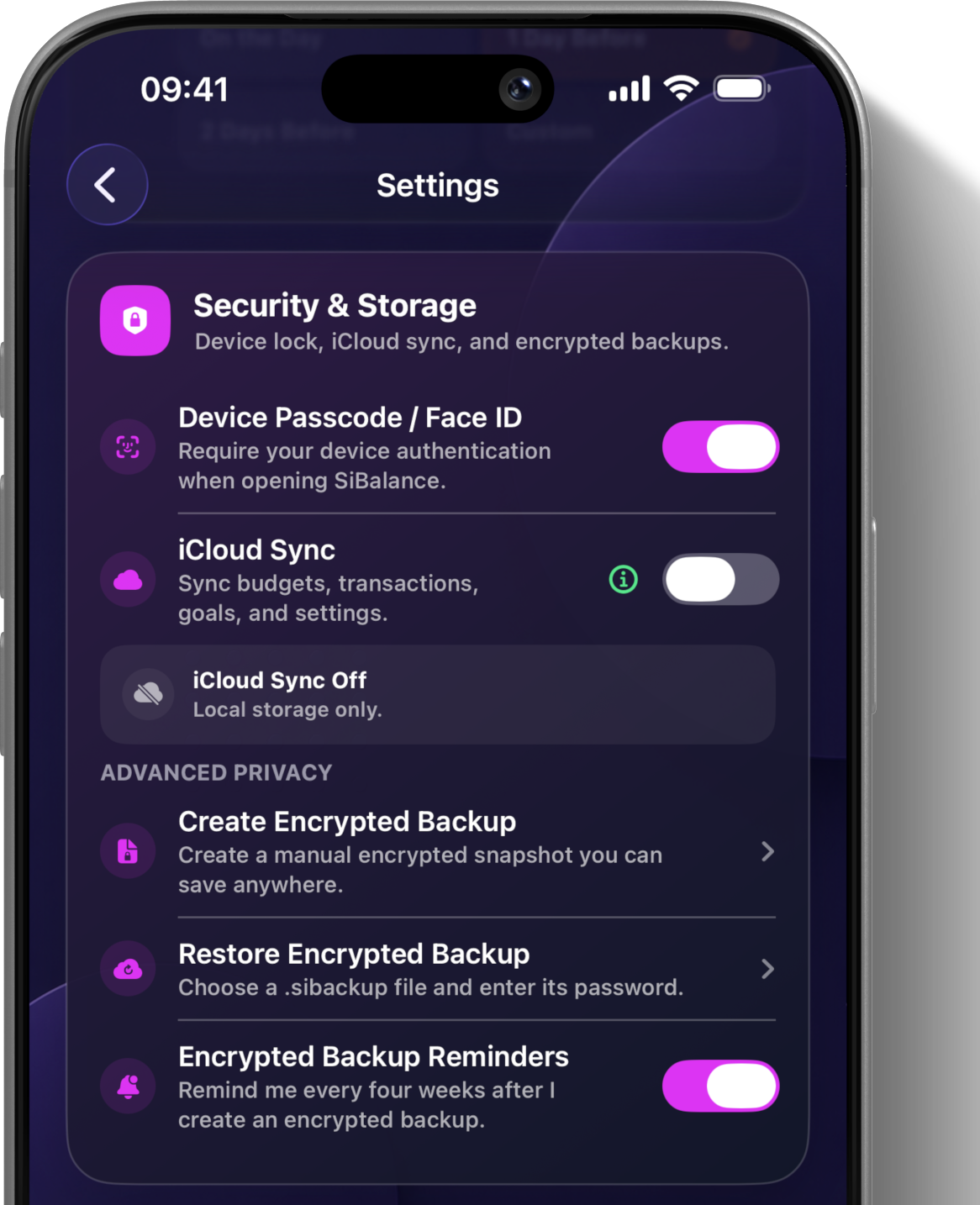
Keep your financial data privately on-device. With SiBalance Full, choose optional iCloud Sync through your own account and create password-protected encrypted backups.
- On-device by default
- Optional iCloud Sync with SiBalance Full
- Encrypted manual backups
Privacy without compromise
Your finances stay yours.
SiBalance requires no account or banking login, carries no advertising, and uses no tracking or third-party analytics. Your financial data stays on your device unless you choose optional iCloud Sync with SiBalance Full.
Explore private budgeting- No account required
- No bank connection
- No advertising
- No tracking
- No third-party analytics
- Financial data stored privately on-device
- Optional iCloud Sync with SiBalance Full
- Optional encrypted backups with SiBalance Full
Get started with CSV import
Bring your transactions into SiBalance.
Use the starter pack to prepare your file, then review every row in SiBalance before anything is added to your budget.
-
Prepare your fileUse the template and copy exact category names from the included reference.
-
Choose Import CSVIn SiBalance, open Settings, then Import/Export, and select your budget.
-
Review before importingCorrect warnings, choose categories, exclude unwanted rows, and import the valid transactions.
CSV import and export are included with SiBalance Full. The downloadable starter pack helps you prepare your files.
Free & Full
Start free. Unlock Full once.
Use one complete budget for free. When you’re ready for more, unlock SiBalance Full with a one-time in-app purchase and keep it.
SiBalance Free
Everyday budgeting essentials
Get started with one complete budget and the essentials for everyday budgeting.
- One Complete Budget
- Income and Expense Tracking
- Manual and Recurring Transactions
- Categories
- Safe to Spend Calculations
- Upcoming Payments and Quick Views
- Complete Transaction History
- Transaction and Category Search
- Support for 159 Currencies
- No Account Required
- No Bank Connection
- No Advertising
- No Tracking
Free to get started.
SiBalance Full
The complete SiBalance experience
Everything in Free, plus the complete feature set with one lifetime purchase.
- Unlimited Budgets
- Goals
- Forecasting
- Insights and Trends
- Home Screen and Lock Screen Widgets
- Themes and Customisation
- Import Transactions from Screenshots
- CSV Import and Export
- iCloud Sync
- Encrypted Backups
- Apple Pay Additions via Shortcuts
- Siri and App Intents Support
- iPhone and iPad Support
One-time unlock. No subscription. Lifetime access.
No subscriptions. No recurring charges. No advertising.
Designed for real life
Free to get started.
Whether you’re managing monthly bills, tracking everyday spending or planning for the future, SiBalance helps you make confident financial decisions every day.
Use one complete budget for free. When you’re ready for more, unlock SiBalance Full once and keep it. No subscription. No recurring charge.